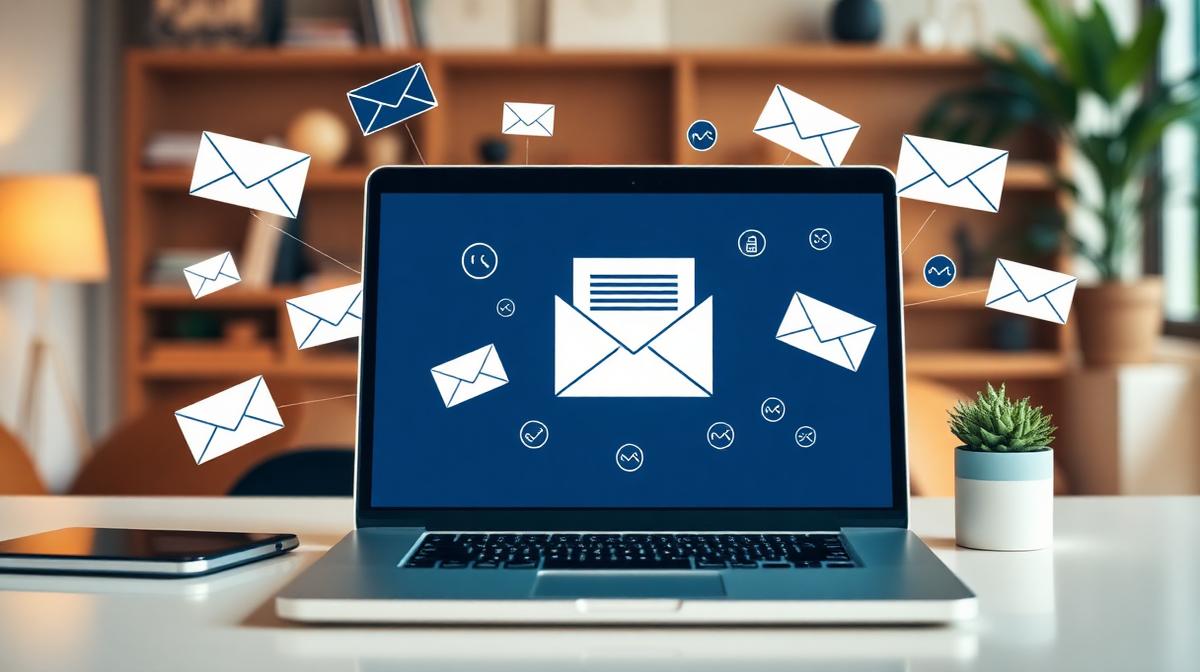
Email marketing has the highest ROI of any marketing channel — €36 for every €1 spent, according to industry data. Yet most small businesses either ignore it entirely or do it so poorly that it damages their brand. This guide shows you how to do email marketing right.
Why Email Marketing Still Works
In a world of social media algorithms, email gives you something rare: direct, owned access to your audience. You don't rent attention from Instagram or Google — you earn it and own it.
✅ Key Insight
Your email list is the only marketing asset you truly own. Social media followers belong to the platform. SEO rankings depend on Google's algorithm. But your email list? That's yours. No algorithm change can take it away.
Email vs Other Channels
Email ROI: €36 per €1 spent
Social media ROI: €2–5 per €1 spent
Paid ads ROI: Varies wildly by industry and management
SEO ROI: High but takes time (read our SEO guide)
For small businesses, you need a platform that's affordable, easy to use, and scalable.
Mailchimp — Best for beginners. Free plan up to 500 contacts. User-friendly interface.
ConvertKit — Best for content creators. Built for bloggers and educators.
ActiveCampaign — Best for automation. Powerful sequences and CRM integration.
Brevo (formerly Sendinblue) — Best value. Generous free plan with automation.
MailerLite — Best balance of features and simplicity. Affordable plans.
What to Look For
Email automation (sequences/drip campaigns)
Segmentation (grouping subscribers by behavior)
A/B testing
Good deliverability rates
GDPR compliance features
Integration with your website and CRM
💡 Tip
Don't overthink the platform choice. Any of the options above will work. Start with one, learn it well, and switch later only if you outgrow it.
Step 2: Build Your Email List
The quality of your list matters far more than the size. 500 engaged subscribers who open every email are worth more than 10,000 who ignore you.
Ethical List Building Strategies
Lead magnets — Offer something valuable in exchange for an email (checklist, guide, template, audit)
Content upgrades — Bonus content specific to a blog post ("Download the complete checklist for this article")
Website pop-ups — Used sparingly and with value (not "Subscribe to our newsletter!")
Gated content — In-depth resources available after email signup
Webinars and workshops — Require registration with email
Free tools — Calculators, assessments, and generators
What NOT to Do
Never buy email lists — Purchased lists have terrible engagement and can get you blacklisted
Never add people without permission — GDPR and CAN-SPAM require explicit consent
Never use deceptive opt-ins — Pre-checked boxes or confusing language erodes trust
Never scrape emails — It's unethical, often illegal, and always ineffective
⚠️ Common Mistake
Many businesses think "more subscribers = better." Wrong. An engaged list of 200 will outperform a disengaged list of 20,000. Focus on attracting the right people, not all people.
Step 3: Segment Your Audience
Segmentation means dividing your list into groups based on characteristics or behavior. Segmented emails get 14% higher open rates and 100% higher click rates than non-segmented ones.
Segmentation Strategies
By interest — What content did they sign up for? (SEO guide vs Google Ads template)
By behavior — What emails have they opened? What links clicked?
By stage — New subscriber, engaged reader, or ready-to-buy prospect?
By source — How did they find you? (Blog, ad, referral, social)
By industry — If you serve multiple verticals
Practical Example
A subscriber who downloaded your "SEO Audit Checklist" should get:
Follow-up emails about SEO best practices
Case study about an SEO client success
Invitation to book an SEO consultation
NOT:
Generic "monthly newsletter" about everything
Emails about Google Ads (unless they also showed interest)
Step 4: Write Emails People Actually Open
The average business email open rate is 21%. But top performers hit 35–50%. Here's how.
Subject Line Best Practices
Keep it short — Under 50 characters for mobile preview
Be specific — "3 SEO mistakes costing you traffic" beats "Monthly Newsletter"
Create curiosity — "The one thing your competitors do that you don't"
Use numbers — "5 ways to double your website leads"
Avoid spam triggers — ALL CAPS, excessive punctuation!!!, "FREE MONEY"
Email Body Best Practices
One idea per email — Don't cram everything into one message
Write like a human — Conversational tone, not corporate speak
Short paragraphs — 2–3 sentences max
One clear CTA — What's the ONE thing you want them to do?
Mobile-friendly — Single column, large text, tappable buttons
✅ Key Insight
The best email marketers write like they're emailing a friend who happens to need their help. Professional but personal. Informative but conversational.
Step 5: Set Up Email Automation
Automation is where email marketing gets powerful. Instead of manually sending every email, you create sequences that trigger automatically based on subscriber behavior.
Essential Automated Sequences
Welcome Sequence
Triggered when someone subscribes. Your most important sequence.
Email 1 (immediate): Deliver the lead magnet + welcome message
Email 2 (Day 2): Share your best content piece
Email 3 (Day 4): Tell a client success story
Email 4 (Day 7): Address common misconceptions in your industry
Email 5 (Day 10): Soft CTA — offer a free consultation or audit
Re-engagement Sequence
Triggered when a subscriber hasn't opened emails in 60–90 days.
Email 1: "We miss you" + your best recent content
Email 2: Ask what they're interested in (survey)
Email 3: Final email — "Should we remove you from the list?"
Post-Purchase Sequence
Triggered after someone becomes a customer.
Email 1: Thank you + onboarding information
Email 2: Tips for getting the most from your service
Email 3: Request for feedback or review
Email 4: Cross-sell or upsell related services
💡 Tip
Start with just the welcome sequence. Get it right, measure results, then add more sequences over time. Don't try to automate everything at once.
Step 6: Track What Matters
Key Email Metrics
Open rate — Percentage who open your email. Benchmark: 20–25%. Good: 30%+
Click rate — Percentage who click a link. Benchmark: 2–3%. Good: 5%+
Conversion rate — Percentage who take the desired action (purchase, booking, download)
Unsubscribe rate — Should stay below 0.5% per email
List growth rate — How fast your list is growing (aim for 2–5% monthly)
Revenue per email — The ultimate metric: how much revenue does each email generate?
What to Do With the Data
Low open rates → Test subject lines, send times, and sender name
Low click rates → Improve CTAs, content relevance, and email design
High unsubscribes → You're emailing too often or content isn't relevant
No revenue → Your emails lack clear CTAs or your offer doesn't match the audience
Step 7: Avoid the Spam Folder
Even great emails are worthless if they land in spam.
Deliverability Best Practices
Use double opt-in — Confirms the subscriber's email is real and they want your content
Authenticate your domain — Set up SPF, DKIM, and DMARC records
Clean your list regularly — Remove bounced and inactive emails quarterly
Never use purchased lists — Instant spam folder
Include an unsubscribe link — Required by law and helps maintain list quality
Warm up new domains — Start with small sends and gradually increase volume
Email Marketing Calendar
Weekly Schedule Example
Monday: Educational email (tips, guide, or industry insight)
Wednesday: Skip (or social media only)
Friday: Promotional email (case study, offer, or CTA)
Monthly Schedule Example
Week 1: Educational content
Week 2: Case study or client success story
Week 3: Educational content
Week 4: Promotional (offer, event, or direct CTA)
⚠️ Common Mistake
The biggest email marketing mistake is inconsistency. Sending 5 emails one week and then nothing for 2 months destroys trust and engagement. Pick a sustainable frequency and stick to it.
Combining Email With Other Channels
Email works best when integrated with your other marketing:
SEO + Email: Blog posts drive traffic → email captures leads → nurture via email. Read our SEO guide to drive organic traffic to your opt-in pages.
Google Ads + Email: Ads drive immediate traffic → landing page captures email → email nurture converts. Learn about Google Ads budget planning.
Social Media + Email: Social builds awareness → bio link or ad drives to opt-in → email does the selling
Content + Email: Build a marketing funnel that uses email as the nurture engine
How Apex Digital Helps With Email Marketing
We integrate email marketing into complete digital marketing strategies. From lead magnet creation and email sequence design to automation setup and performance tracking — we build systems that nurture and convert.
Want to add email marketing to your growth strategy? Start with a digital marketing audit to understand your current lead capture opportunities, or book a strategy call to discuss your email marketing goals.