Every business owner knows the feeling. You started your company to do what you love — design, consult, build, create. But instead, you spend half your day answering the same emails, manually sending invoices, chasing late payments, and copying data between apps.
Automation fixes that. Not by replacing you, but by handling the repetitive tasks so you can focus on what actually grows the business.
What Automation Actually Means
Let's demystify this. Automation simply means: if something happens, then do something else — automatically.
That's it. No robots. No artificial intelligence (unless you want it). Just simple cause-and-effect rules that save you time.
Examples:
Automation doesn't mean losing the personal touch. It means the boring stuff happens by itself, so you have MORE time for personal interactions.
Step 1: Identify What's Eating Your Time
Before you automate anything, take a week and track how you spend your time. You'll likely find that 40-60% falls into these categories:
These are your automation candidates. They're repetitive, rule-based, and don't require creative thinking.
Step 2: Start With Lead Response
This is the single highest-impact automation you can implement.
The Problem: A potential client contacts you. You see the email three hours later because you were in a meeting. By then, they've already called your competitor.
The Solution: Set up an automatic response that fires within seconds of someone contacting you. Not a generic "we received your message" — a properly crafted email that:
This single automation can increase your conversion rate by 30-50% because leads feel heard immediately.
Step 3: Build a Follow-Up Sequence
Most sales happen between the 3rd and 7th follow-up. Most businesses stop after the 1st. Automation bridges this gap.
Set up a sequence like this:
1. Immediately: Thank you email with booking link
2. Day 2: If no response, send a brief check-in
3. Day 5: Share a relevant case study or testimonial
4. Day 10: "Is this still a priority for you?" with a soft call-to-action
5. Day 30: Long-term nurture email with useful content
Each step only fires if the previous one didn't get a response. The moment someone replies or books a call, they exit the sequence.
Step 4: Automate Your Scheduling
Stop the "when are you free?" email ping-pong. Use a booking system that:
This alone saves 2-3 hours per week for most business owners.
Step 5: Connect Your Tools
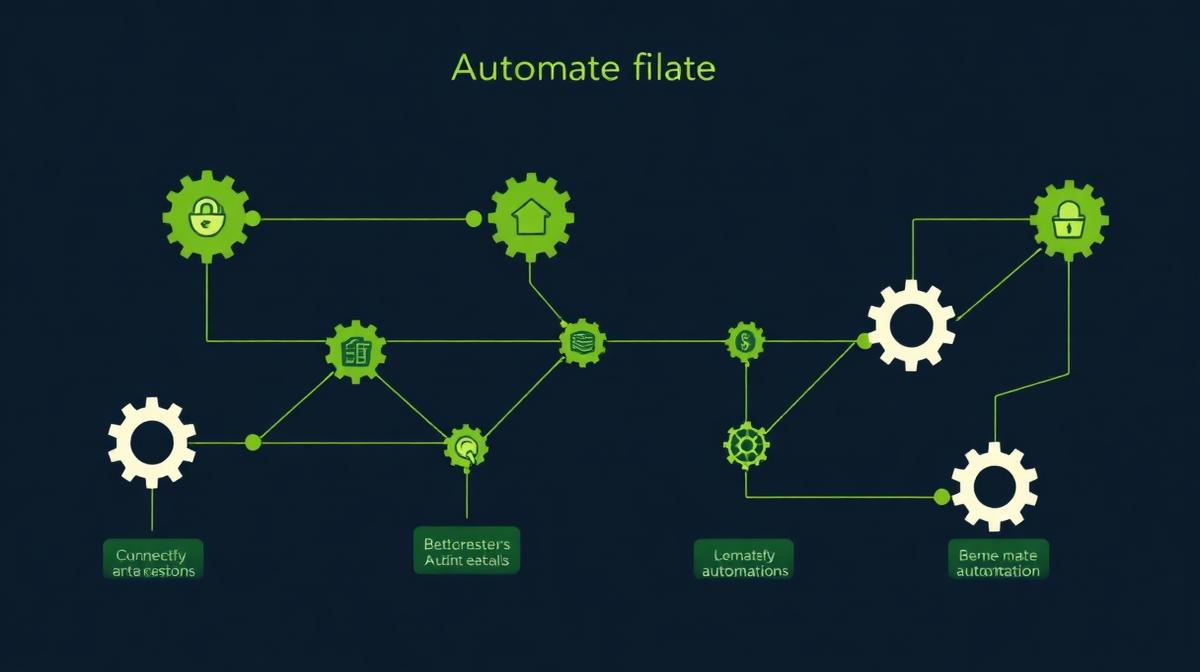
The real magic of automation happens when your tools talk to each other. Here's what a connected system looks like:
1. Lead fills out website form
2. → Lead appears in CRM with all details
3. → Automatic welcome email is sent
4. → Task is created for your team to follow up
5. → If no follow-up in 24 hours, a reminder notification fires
6. → When you create a proposal, it pulls client data from the CRM automatically
7. → When the proposal is accepted, an invoice is generated
8. → Payment reminders go out automatically if not paid on time
This entire chain runs without manual intervention. You set it up once, and it works forever.
Step 6: Automate Reporting
Every Monday morning, you should know:
Instead of spending an hour pulling this data from different sources, automate a weekly report that lands in your inbox with everything you need.
Common Mistakes to Avoid
Automating Too Much Too Fast
Start with one or two automations. Get them working perfectly. Then add more. Trying to automate everything at once leads to a fragile system that breaks when you need it most.
Automating Bad Processes
If your follow-up process doesn't work manually, automating it won't help. Fix the process first, then automate it.
Forgetting the Human Element
Some touchpoints should remain personal. A proposal presentation. A project kickoff call. A milestone celebration. Automate the admin, keep the relationships human.
A good rule of thumb — if a task requires empathy, creativity, or judgment, don't automate it. If it's repetitive, rule-based, and time-consuming, automate it immediately.
The ROI of Automation
Let's be conservative. If automation saves you 10 hours per week — a realistic number for most small businesses — that's 520 hours per year. At a modest value of €50/hour for your time, that's €26,000 in recovered productivity.
But the bigger number is the revenue you stop losing. Faster responses, consistent follow-ups, and no dropped leads typically increase revenue by 25-40% without any additional marketing spend.
Getting Started
You don't need to hire a developer or buy enterprise software. Start here:
1. Get a CRM that captures your website leads automatically
2. Set up one automated email response
3. Use a booking tool for scheduling
4. Review what's working after 30 days
5. Add the next automation
The goal isn't perfection on day one. It's progress. Every manual task you eliminate is time and money saved.
Want help identifying what to automate first? Take our free audit or book a strategy call — we'll map out your automation roadmap together.
Free Website Audit Template
42-point checklist. Score your site.
Want us to implement this for you?
If you'd rather have experts handle your digital marketing strategy, we're here to help.
Book a Strategy CallApex Digital
Education-first digital marketing. Clear guides, real strategies.